

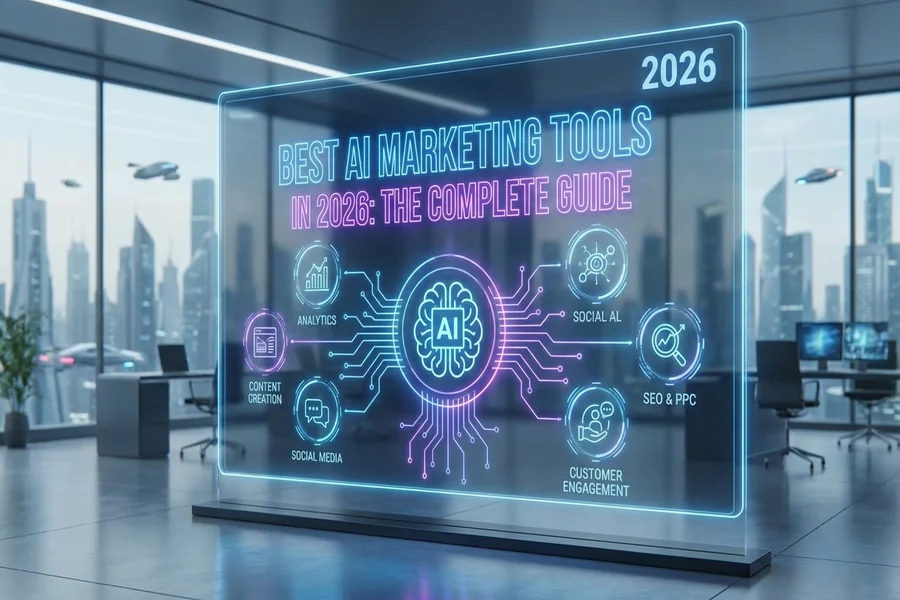
Marketing teams can speed up creative production with AI by generating images, videos, audio, and design assets from a simple brief, instead of building each one from scratch or waiting on outside help. In 2026, AI creative tools let a team move from idea to campaign-ready asset in a fraction of the time, while keeping brand control. This guide explains where the time actually goes, how AI removes the bottlenecks, and how to adopt it without losing quality.
Most marketing teams are not short on ideas. They are short on production capacity — the hours it takes to turn ideas into finished visuals, videos, and campaigns. That gap between what a team wants to create and what it can actually produce is where AI is making the biggest difference.
Why Is Creative Production Such a Bottleneck?
Because creative work is slow to produce and easy to underestimate. A single campaign might need images in several sizes, a short video, social variations, and revisions after review. Each step usually means a different tool, a handoff, or a wait — for a designer, an editor, or an agency.
The result is a familiar pattern: great ideas stuck in a queue, campaigns delayed by production rather than strategy, and teams switching between disconnected tools just to get one asset out the door. The bottleneck is rarely creativity. It is the time and coordination that finished creative demands.
How Does AI Speed Up the Process?
AI creative tools replace much of the manual production with generation. Instead of building an image or video from a blank canvas, a team describes what it needs and gets a usable draft in minutes. Revisions that once meant another round with a designer become a quick prompt change.
Platforms like Keter Labs bring image generation, video, audio, and design into one connected studio, so a team can produce a full set of campaign assets in a single workspace instead of stitching together separate apps. Its platform for business teams adds shared spaces, brand presets, and approval workflows, which is what lets a team move fast without losing brand control.
Where Does AI Deliver the Most Value for Marketing Teams?
The impact is clearest in the areas that used to consume the most production time. Each of these becomes dramatically faster.
Campaign visuals at scale
Generate a campaign’s images and adapt them into every size and format a channel needs, without recreating each one by hand.
Social content volume
Produce the steady stream of social posts and variations that modern channels demand, so the calendar stays full without overwhelming the team.
Faster revisions and testing
Because changes are quick, teams can produce more variations and test more ideas — which is where marketing performance often improves most.
Video and mockups
Create short videos for ads and social, and generate mockups for pitches and presentations, without a separate production process for each.
How Do Teams Keep Brand Control While Moving Fast?
Speed is only useful if the output stays on-brand, and this is where team-focused tools matter. The key is to set your brand rules once — colors, style, tone — and apply them across everything the team creates, with a review step before anything is published.
Working in one connected workspace helps, because brand assets, references, and past work stay together instead of scattered across tools and inboxes. Shared spaces and approval workflows mean a team can produce quickly while a reviewer still signs off on quality, so faster production does not come at the cost of consistency.
What Should Marketing Teams Keep in Mind?
AI speeds up production, but a few principles keep the quality high. First, keep humans in charge of strategy and judgment: AI generates assets, but the message, the creative direction, and the final review still come from the team. The tool removes the bottleneck; it does not make the decisions.
Second, maintain quality control — review every asset for brand fit and accuracy before it ships. And third, be mindful of transparency and rights: use tools that support commercial use, and be clear internally about how assets are produced. Handled this way, AI becomes a genuine multiplier for a marketing team rather than a shortcut that creates cleanup later.
How Should a Team Get Started?
Start with one high-volume need — social graphics, campaign variations, or product visuals — and run it through an AI creative tool before expanding. Solving one real bottleneck first shows the team the value and builds the workflow around an actual use case.
From there, standardize a simple process: set brand presets, generate in one workspace, review, and publish. As the team gets comfortable, more of the production load shifts to AI, freeing people to focus on strategy, ideas, and the creative judgment that AI cannot provide.
Frequently Asked Questions
How does AI speed up creative production?
AI creative tools generate images, videos, and design assets from a brief in minutes, replacing much of the manual production and slow revision cycles. Platforms like Keter Labs bring these into one workspace so teams produce full campaigns faster.
Can AI keep content on-brand?
Yes. Team-focused tools let you set brand presets — colors, style, tone — and apply them across all assets, with shared spaces and approval workflows so a reviewer signs off before anything is published.
What can marketing teams create with AI?
Teams can create campaign visuals, social content, short videos, product images, and mockups for presentations — essentially the full range of creative assets a campaign needs, produced from simple prompts.
Does AI replace designers on a marketing team?
No. AI handles production speed, but strategy, creative direction, and quality review still come from people. It removes the production bottleneck so the team can focus on ideas and judgment.
How do we start using AI for creative work?
Begin with one high-volume need, such as social graphics or campaign variations, and produce it with an AI creative tool. Set brand presets, generate in one workspace, review, and publish, then expand from there.
Getting Started
Creative production no longer has to be the thing that slows your campaigns down. If your team wants to move from idea to campaign-ready asset faster while keeping brand control, try Keter Labs and produce images, video, and design in one connected studio. Start with one bottleneck, set your brand rules, and build from there.


1 thought on “How Marketing Teams Can Speed Up Creative Production with AI in 2026”