
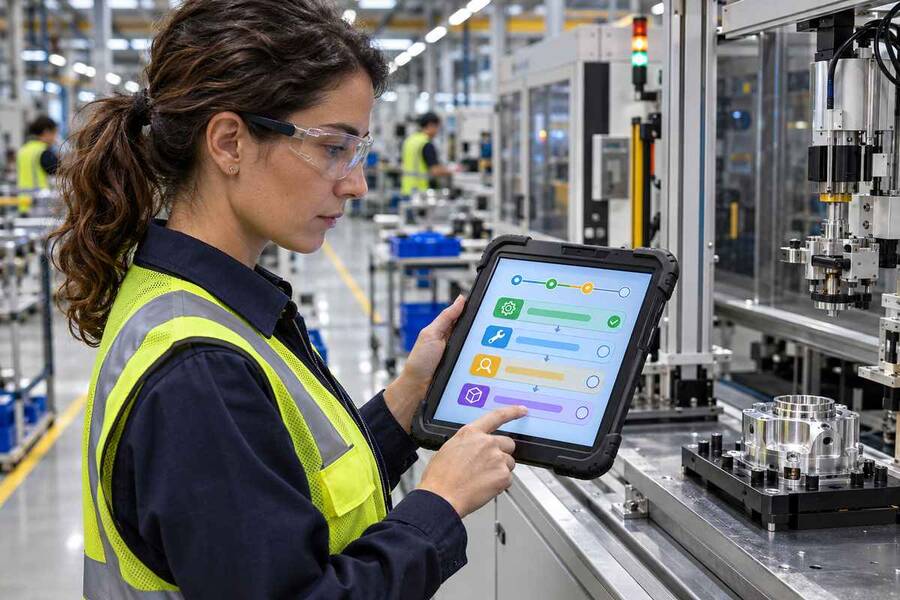
Manufacturing quality teams fall out of sync whenever paper procedures update on the line while shop-floor refreshers stay frozen in old MP4 files, making an ai training video generator anchored to controlled manuals essential for audit readiness. Every refresher clip kept inside active plant kiosks needs fast editing control without reserving shutdown crews, lights, and boom mics whenever an inspection tolerance shifts.
External ISO auditors and plant safety supervisors care far more about document traceability than polished camera transitions. Every refresher module assigned at shift start needs to reflect the active standard operating procedure stored inside the quality management system word for word, covering current inspection tolerances, updated lockout steps, and mandatory shift sign-off checks.
Why Compliance Teams Need an AI Training Video Generator With Editable Docs
Ad-hoc safety filming breaks under normal document revision cycles. Record an eight-minute lockout inspection next to Assembly Cell 4 in spring, tighten a torque value in autumn, and the original clip turns risky to keep in rotation. Voice-patch splices stick out against noisy machinery hum, while booking spare line downtime for a full crew delays operator retraining by weeks.
Anchoring scripts inside approved SOP repositories fixes both versioning lag and invented prompt drift. Rather than typing loose summaries into blank prompt fields, safety coordinators load verified .pdf, .doc, .docx, .txt, or .md procedure sheets into the Knowledge Base on leadde.ai (handling upload batches of up to 10 reference files across workspace capacities from 500 MB on Free and Basic up to 5 GB Pro, 20 GB Business, and 1 TB Enterprise) so generated scene outlines draw directly from approved plant terminology.
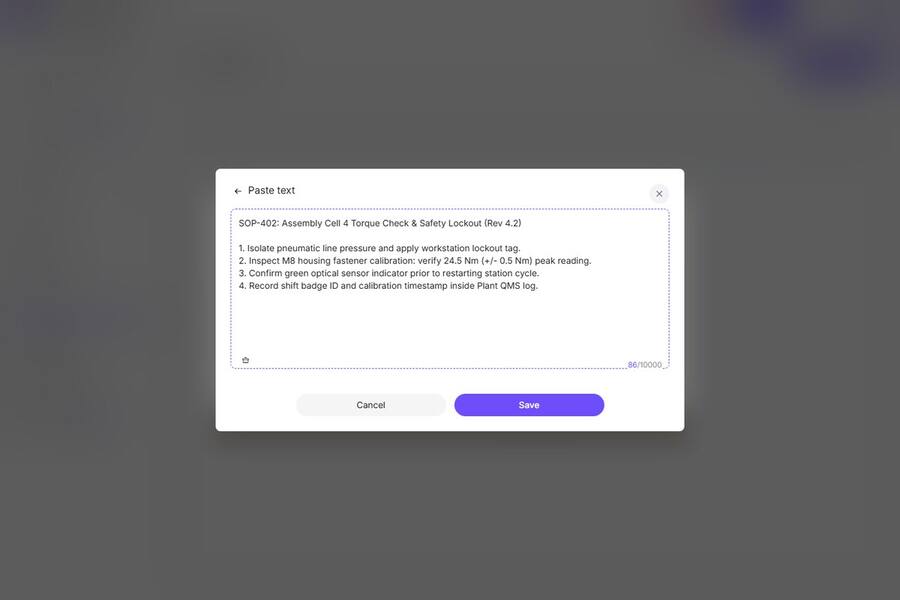
Once the draft outline appears, EHS reviewers halt before rendering frames, verify numerical limits against the master SOP, and lock equipment identifiers inside Pronunciation controls so machine model codes read accurately. When section 4.2 updates next quarter, editors revise two lines in that specific scene rather than rebuilding cleanroom intro modules around it.
Mapping Plant SOP Clauses to Auditable Video Chapters
Short single-procedure scenes outperform thirty-minute orientation recordings across busy production shifts. Structuring ai generated training videos into modular inspection beats gives supervisors clear visibility into which exact safety control changed after an audit finding.
|
SOP Revision Trigger |
Video Control Needed |
Targeted Scene Edit |
Audit Trail Retained |
|
Torque or gauge tolerance change |
High-contrast on-screen numeric callout |
Edit spoken tolerance and badge on changed slide |
Revision number paired with publish date |
|
Protective gear policy revision |
Clear visual stop-check prior to line entry |
Swap fifteen-second PPE reminder scene only |
Archived prior script beside new transcript |
|
New line sensor deployment |
Focused pre-shift calibration walkthrough |
Import updated .pptx schematic slide cleanly |
Scannable step checklist linked below player |
|
Multilingual shift rollout |
Verified safety terminology and dialect lock |
Regenerate regional audio from approved outline |
Matched English and localized script pairs |
Matching each SOP change directly to a numbered scene keeps compliance reviews narrow and fast. Teams evaluating the best ai video generator for corporate training should confirm first that editors can patch chapter 3 independently for auditor sign-off without reopening already certified modules 1 and 2.
Designing Captions and Pronunciation for Noisy Floor Shifts
Shop-floor kiosks and ruggedized tablets rarely convey quiet spoken narration reliably next to pneumatic tools and cleanroom ventilation units. Many operators complete three-minute refresher checks wearing hearing protection with device audio muted.
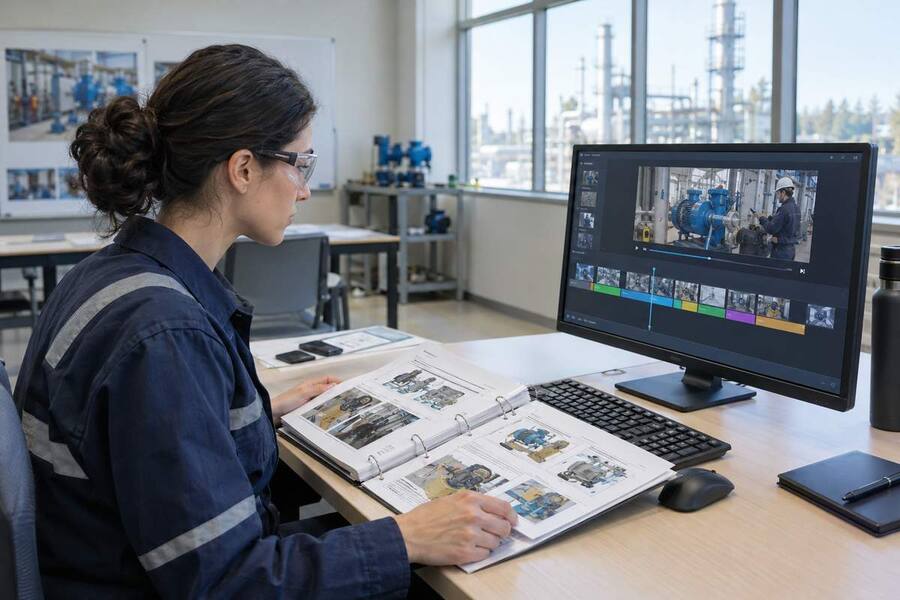
Following W3C accessible media guidelines, pair every spoken module with synchronized closed captions and a short plain-text verification list immediately beneath the video box. Check bottom caption spacing on vertical tablet mounts and desktop screens alike so text bars never cover dial callouts or stop-switch indicators.
Multilingual plant shifts add a critical accuracy layer. With coverage spanning 88 languages and 175 regional accents inside Leadde, operations leads validate procedure logic once in English before generating consistent translated audio tracks across bilingual crews. Keeping expressive presenter beats inside Leadde’s 60-second Express IV Engine ceiling ensures every shift update stays sharp at line handover.
Frequently Asked Questions About SOP Training Videos
How long should a manufacturing compliance refresher module run?
Keep shift refresher modules between 60 and 120 seconds across two tight scenes under 60 seconds each. Short focused segments fit pre-shift huddles cleanly without delaying workstation handovers.
Which source files produce the cleanest SOP video outlines?
Structured .pdf, .docx, .pptx, and clean .md procedure manuals preserve numbered step hierarchy cleanly for scene segmentation while avoiding manual re-keying mistakes.
What review gate protects accuracy before publishing automated modules?
Require documented supervisor sign-off on the editable scene script prior to video rendering, lock model numbers inside phonetic pronunciation settings, and store dated script records next to published revision tags.
Treating floor training as versioned document control removes overdue compliance backlogs across active facilities. Pairing approved procedures with an ai training video generator keeps daily instructions synchronized with active plant standards.